How to organize research files across a year-long project
Princeton Journal of Pre-Collegiate Research

How to organize research files across a year-long project
A year-long research project generates more files, notes, and data than most high school students anticipate. Students who begin without a file organization system typically spend the final weeks of a project searching for raw data, reconciling conflicting draft versions, and reconstructing decisions they made months earlier but never documented. This post explains how to organize research files across a year-long project from the first day of work through final submission, so that the organizational structure itself never becomes an obstacle to the research.
How do you organize research files across a year-long project?
Organize research files using a four-tier folder hierarchy: project root, phase folders (planning, data collection, analysis, writing), subfolders by content type within each phase, and a versioned naming convention for every file. Establish this structure on day one. A consistent system applied from the beginning eliminates the need to reorganize under deadline pressure and preserves an auditable record of how the research developed.
The core principle is separation by function. Files that belong to different stages of the research process should never share a folder, regardless of how related their content appears. A literature note from month one and a discussion draft from month nine serve different purposes, and mixing them creates retrieval failures at the worst possible time.
The recommended folder structure for a year-long project is as follows:
Create the root project folder. Name it with the project title and the start year, for example: WaterQualityStudy_2025. This folder contains nothing except the four phase folders and a single README document.
Create four phase folders inside the root. Label them 01_Planning, 02_DataCollection, 03_Analysis, and 04_Writing. The numeric prefix forces alphabetical sorting to match chronological order in every file browser.
Create subfolders within each phase folder. Inside 01_Planning: LiteratureReview, ResearchQuestion, IRB_Ethics, Methodology. Inside 02_DataCollection: RawData, Instruments, FieldNotes. Inside 03_Analysis: CleanedData, Scripts, Outputs. Inside 04_Writing: Drafts, Figures, References.
Apply a version-date naming convention to every file. The format Filename_YYYYMMDD_v01 records both the date and the version number. When a file is revised, increment the version number rather than overwriting the previous file. Never delete old versions during an active project.
Maintain a README.txt in the root folder. This plain-text file records the project title, the names of all contributors, the date the project began, a one-paragraph description of the research question, and a log of any major structural changes to the folder system. A README takes ten minutes to write and saves hours of reconstruction later.
Back up the entire folder structure to a second location every two weeks. Cloud storage such as Google Drive or OneDrive serves this purpose, but the backup must mirror the local folder structure exactly. A backup that cannot be navigated is not a usable backup.
Students working on group projects face an additional coordination challenge. A shared cloud folder with clearly assigned ownership by subfolder prevents conflicting edits and duplicate files. The post on dividing work fairly in a group research project addresses how to assign file responsibilities alongside task responsibilities, which are not always the same thing.
What happens to file organization when the project changes direction?
Research projects change direction. A hypothesis that seemed well-supported in month two may be abandoned by month five when the data do not cooperate. Students who have built a rigid folder structure around their original hypothesis often respond by creating ad hoc folders outside the system, which produces exactly the disorganization they were trying to prevent.
The solution is to treat the folder structure as a record of what was done, not only of what succeeded. When a research direction is abandoned, the files associated with it should not be deleted. Instead, create a subfolder named Archive within the relevant phase folder and move the obsolete files there. The Archive folder is never the working folder, but its contents remain accessible if the original direction becomes relevant again or if a reviewer asks about methodological decisions made earlier in the project.
The README document in the root folder should record every significant change in direction, with the date and a one-sentence explanation. This log is not bureaucratic overhead. It is a research diary in compressed form, and it is invaluable when writing the methods section of a final paper, when a faculty reviewer asks why a particular approach was chosen, or when a co-author needs to understand decisions made before they joined the project.
Students who are managing a long project for the first time often find that structured note-taking systems reduce the cognitive load of tracking changes. The post on best note-taking systems for long research projects covers several approaches that integrate naturally with a folder-based file system.
What are the most common file organization mistakes in year-long research projects?
The four mistakes below account for the majority of organizational failures in student research projects. Each one is predictable and preventable.
Saving files to the desktop or downloads folder. Students frequently save files wherever the application defaults, intending to move them later. Later rarely arrives. By month six, a desktop containing 200 unlabeled files is functionally unsearchable. The fix is a single rule: every file is saved to its correct subfolder at the moment it is created, not afterward.
Using vague or date-free file names. Files named draft.docx, data.xlsx, or notes.pdf cannot be distinguished from one another once there are more than three of them. The consequence is that students open multiple files to find the right version, which increases the risk of editing the wrong one. The version-date naming convention described in Section 3 eliminates this problem entirely.
Storing raw data and processed data in the same folder. Raw data is the permanent, unmodified record of what was collected. Processed or cleaned data is a derived product. If they occupy the same folder, it becomes difficult to verify that the analysis was performed on the correct dataset, which is a methodological credibility problem. According to data management guidelines published by the UK Data Service, raw data should always be stored separately and treated as read-only once collection is complete.
Failing to back up before a major revision. Students who overwrite a working draft with a substantially revised version and then decide the revision was a mistake have no recovery path. The version-date convention prevents this, but only if it is applied before every significant editing session, not after.
How to organize research files across a year-long project, step by step
On day one, build the full folder structure before creating any project files. Do not begin taking notes or saving sources until the four phase folders and their subfolders exist.
Write the README document immediately after building the folder structure. Record the project title, contributors, research question, and the date. Leave the change log section blank for now.
Apply the version-date naming convention to the first file saved. Consistency from the first file is easier to maintain than retrofitting the convention onto 50 existing files.
Set a recurring calendar reminder every two weeks to back up the project folder. The backup should take less than five minutes if the folder structure is clean.
At the end of each working session, move any files saved outside the system into their correct subfolders. A five-minute cleanup at the end of each session prevents accumulation.
When the project changes direction, create an Archive subfolder and update the README log before continuing. Do not delete files. Document the decision.
When preparing a final manuscript for submission, create a dedicated Submission subfolder inside 04_Writing. This folder contains only the files required for the specific submission: the manuscript, figures, and any required supplementary materials. It should never be used as a general drafts folder.
Students who have completed a year-long project and produced a manuscript ready for peer review may wish to explore the classroom research projects that can lead to publication for guidance on how project scope affects publishability, and to review the submission guidelines at princeton-jpcr.org/submit as a next step.
PJPCR publishes original research across all academic disciplines. If your work is ready for peer review, review the submission guidelines at princeton-jpcr.org/submit.
Frequently asked questions about organizing research files across a year-long project
What is a file naming convention and why does it matter for research projects?
A file naming convention is a standardized format applied to every file in a project so that the name alone communicates the file's content, date, and version. For research projects, the format Filename_YYYYMMDD_v01 is widely used because it sorts chronologically in any file browser and prevents version confusion. Without a convention, files accumulate ambiguous names that cannot be distinguished without opening each one.
How many versions of a file should be kept during a year-long project?
Keep every version created at a meaningful revision point: before a major structural change, before submitting for feedback, and before incorporating reviewer comments. For a year-long project, this typically produces between 8 and 15 versions of the main manuscript document. Storage space is not a meaningful constraint for text files. Deleting intermediate versions removes the ability to recover earlier work.
The standard review and publication timeline at PJPCR is 2 to 3 months, during which revised versions of the manuscript may be requested. Maintaining a clean version history makes responding to revision requests substantially more efficient. A fast-track option is available for students who need a quicker turnaround.
Do I need special software to organize research files, or will basic folders work?
Basic folders work. A well-designed folder hierarchy in any operating system's native file manager is sufficient for the majority of high school research projects. Reference management software such as Zotero is useful specifically for organizing sources and generating citations, but it does not replace a folder system for data, drafts, and instruments. The folder structure described in this post requires no additional software.
What makes a research file system credible to a journal reviewer or academic evaluator?
A credible file system produces a clean, traceable record of how the research was conducted. Reviewers and evaluators are most concerned with whether raw data is distinguishable from processed data, whether the version history of the manuscript is recoverable, and whether methodological decisions are documented. A folder structure that separates these elements by design answers all three concerns before they are raised.
What kinds of research does the Princeton Journal of Pre-Collegiate Research publish, and how should files be prepared for submission?
The Princeton Journal of Pre-Collegiate Research publishes original, peer-reviewed research by high school students across the sciences, social sciences, humanities, and interdisciplinary fields. Submission requires a manuscript formatted to the journal's specifications, with figures and supplementary materials as separate files. Detailed requirements are available on the peer review process page and in the submission guidelines. Organizing project files into a dedicated Submission subfolder before preparing the manuscript reduces formatting errors and omissions.
Conclusion
Organizing research files across a year-long project is not an administrative task separate from the research itself. It is a methodological decision that affects the reliability of the work, the efficiency of the writing process, and the credibility of the final manuscript. The three most actionable conclusions from this post are: build the folder structure before creating any files, apply a version-date naming convention from the first day, and document every significant change in a README log rather than relying on memory. Students who apply these practices consistently will spend less time managing files and more time doing research. If your research is ready for peer review, submit it to PJPCR at princeton-jpcr.org/submit.
Read More

Version control for research documents
By
Princeton Journal of Pre-Collegiate Research
Read more

Digital vs paper lab notebooks for students
By
Princeton Journal of Pre-Collegiate Research
Read more

Data management basics for student researchers
By
Princeton Journal of Pre-Collegiate Research
Read more
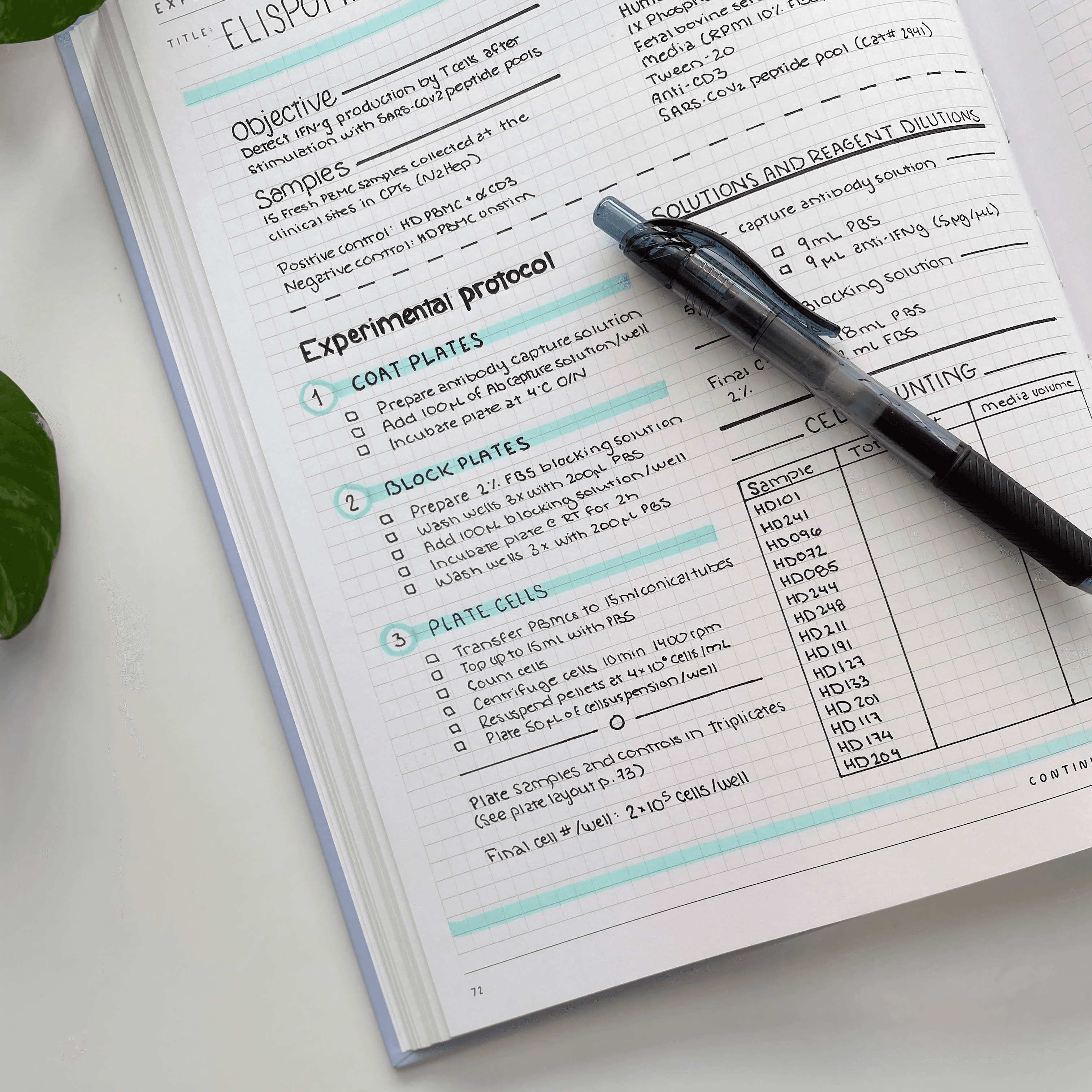
How to keep a lab notebook that reviewers trust
By
Princeton Journal of Pre-Collegiate Research
Read more
How to organize research files across a year-long project
By
Princeton Journal of Pre-Collegiate Research
Read more

How to document your data so you can defend it
By
Princeton Journal of Pre-Collegiate Research
Read more

How to write a grant proposal as a student
By
Princeton Journal of Pre-Collegiate Research
Read more
Free resources that replace research funding
By
Princeton Journal of Pre-Collegiate Research
Read more
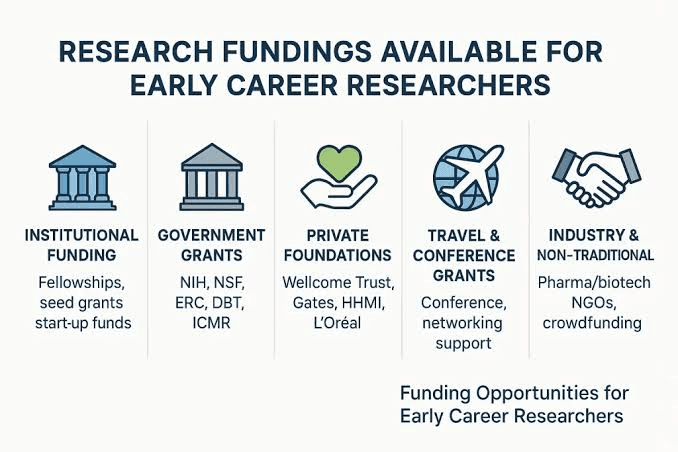
Corporate and nonprofit programs that fund student research
By
Princeton Journal of Pre-Collegiate Research
Read more

Science fair grants and material stipends explained
By
Princeton Journal of Pre-Collegiate Research
Read more

Crowdfunding a student research project: does it work
By
Princeton Journal of Pre-Collegiate Research
Read more

How much does a research project actually cost
By
Princeton Journal of Pre-Collegiate Research
Read more

How to ask your school to fund your project
By
Princeton Journal of Pre-Collegiate Research
Read more

Grants for high school research projects: what exists
By
Princeton Journal of Pre-Collegiate Research
Read more

How to start a research club at your school
By
Princeton Journal of Pre-Collegiate Research
Read more

How to organize a school research symposium
By
Princeton Journal of Pre-Collegiate Research
Read more

Turning a school club into a research pipeline
By
Princeton Journal of Pre-Collegiate Research
Read more

How to start a student research journal at your school
By
Princeton Journal of Pre-Collegiate Research
Read more

How to find a faculty sponsor for a research club
By
Princeton Journal of Pre-Collegiate Research
Read more

How to propose an independent study for research credit
By
Princeton Journal of Pre-Collegiate Research
Read more

Running a peer-review workshop at your school
By
Princeton Journal of Pre-Collegiate Research
Read more