Version control for research documents
Princeton Journal of Pre-Collegiate Research

Version control for research documents: a practical guide for high school researchers
This post answers a specific question: how should a high school student manage multiple versions of a research document without losing work, overwriting edits, or submitting an outdated draft? It is written for students in grades 9 through 12 who are actively working on original research papers. After reading, a student will be able to implement a reliable version control system using free tools, avoid the most common document management errors, and submit a clean, correctly versioned final manuscript. Students whose work is ready for peer-reviewed publication can submit it to the Princeton Journal of Pre-Collegiate Research, an open-access journal publishing original student research across all disciplines.
Introduction
Version control for research documents is one of the most consistently neglected skills in pre-collegiate research, and the consequences are measurable. A 2021 survey conducted by the Software Sustainability Institute found that 38 percent of researchers reported having lost work due to poor file versioning practices, with the most common cause being manual overwriting of a file believed to be a duplicate. For high school students managing a research project across months of data collection, literature review, and iterative drafting, an absent or inconsistent versioning system is not merely inconvenient: it is a direct risk to the integrity of the final manuscript. This guide explains what version control for research documents actually requires at the pre-collegiate level, which tools make it tractable without institutional access, and where the process most commonly breaks down.
What is version control for research documents, and why does it matter?
Version control for research documents is a systematic method of tracking, labeling, and preserving successive drafts of a manuscript so that any prior state of the document can be recovered, compared, or restored. A functional system records what changed, when it changed, and, in collaborative projects, who made the change. Without it, a student working across multiple devices or with a co-author has no reliable way to confirm which file reflects the most current state of the work.
The practical case for version control becomes concrete during the revision stage of research. When a peer reviewer requests that a student revert a methodological section to an earlier framing, or when a faculty mentor asks to compare the current results section against the version submitted two weeks prior, a student without a versioning system must reconstruct that history from memory or from email attachments. Neither approach is reliable. A student with a functioning system can retrieve the requested version in under a minute.
Version control also protects against a specific category of error common in student research: the accidental deletion or overwriting of raw data files, annotated bibliographies, or statistical output files that were generated at an intermediate stage of analysis. These files are often not regenerable. A versioning system that captures file states at regular intervals eliminates this risk entirely.
Three approaches are realistic for high school students without institutional server access. The first is a structured manual naming convention applied consistently across every file in the project. The second is cloud-based automatic versioning using Google Drive or Microsoft OneDrive, both of which retain version histories for individual files at no cost. The third is a dedicated version control platform such as GitHub, which is free for public and private repositories and provides the most granular change-tracking available, though it requires familiarity with basic command-line or desktop client operations.
For most pre-collegiate researchers working on a single-author manuscript, a combination of the first two approaches is sufficient. A consistent naming convention prevents confusion at the folder level, while cloud-based version history provides a recoverable record of changes within each file. Students collaborating with co-authors or managing large datasets should consider GitHub, which was designed precisely for this use case and is documented extensively through GitHub's own free learning resources.
What happens to a research document when version control is absent?
The most common failure mode is not catastrophic loss but gradual corruption of the document record. A student begins with a file named research_paper.docx. Over six weeks, the file is edited, renamed inconsistently, emailed to a mentor, returned with tracked changes, merged manually with a separately edited copy, and saved again under the original name. By the time the student reaches the submission stage, there is no reliable way to determine whether the current file incorporates all mentor feedback, whether the data tables match the most recent analysis output, or whether the abstract reflects the current conclusions.
This scenario is not hypothetical. It describes the document history that journal editors and faculty reviewers encounter regularly when students submit manuscripts with internal inconsistencies between sections. An abstract that contradicts the results section, a methods section that references a sample size different from the one reported in the data tables, or a citation list that omits sources mentioned in the body text: these are the downstream consequences of an unmanaged document history, not of careless writing.
The fix is structural, not behavioral. A student who implements a versioning system at the start of a project does not need to remember to manage versions carefully at each step. The system does it automatically. Establishing the system in the first week of a project costs approximately one hour. Reconstructing a corrupted document history in the final week before submission can cost significantly more, and the reconstruction is never complete.
Students preparing a manuscript for submission should also review the guidance on research bias and how to control for it, since many of the same systematic habits that prevent versioning errors also reduce the risk of undocumented analytical decisions that introduce bias into a study.
What are the most common version control mistakes student researchers make?
The single most common mistake is using the file name as the only version record. Students append labels such as _final, _final2, or _revised_ACTUAL to file names without recording what changed between versions. When a reviewer asks which version incorporated a specific edit, the labels provide no useful information. The fix is a two-part naming convention: a date stamp in ISO format (YYYYMMDD) and a brief descriptor of the primary change, such as research_paper_20241103_methods_revised.docx. This convention is unambiguous and sortable.
The second common mistake is maintaining separate local and cloud copies without a clear sync protocol. A student edits the local copy, forgets to upload it, then edits the cloud copy the following day. The two versions diverge. Manual merging of diverged documents is error-prone and time-consuming. The fix is to designate one location as the single source of truth and never edit a local copy that has not been synced.
The third mistake is failing to version ancillary files alongside the manuscript. Raw data files, analysis scripts, figure source files, and annotated bibliography exports are all part of the research document record. A manuscript that cannot be linked back to the data and analysis files that produced it is not reproducible. Every versioning system should include these files, not only the main text document.
A fourth mistake, common in collaborative projects, is making substantive edits without leaving a record of what was changed and why. Cloud platforms preserve the fact that a change occurred, but they do not record the rationale. A brief comment in the document or a short entry in a shared change log resolves this. The GitHub commit message convention, which requires a brief description of each set of changes, is a useful model even for students not using GitHub.
How to implement version control for research documents, step by step
Create a dedicated project folder on the first day of the project. All files related to the research, including data, drafts, figures, and references, go into this folder and nowhere else. This eliminates the problem of files scattered across a desktop, a downloads folder, and a cloud drive simultaneously.
Adopt a consistent file naming convention before writing the first draft. Use the format: ProjectName_YYYYMMDD_VersionDescriptor.filetype. Apply this convention to every file in the project, including data files and figures.
Enable version history on the cloud platform being used. Google Drive retains up to 180 days of version history for Google Docs files automatically. Microsoft OneDrive retains version history for files stored in OneDrive. Confirm that the project folder is actively synced to the cloud platform before beginning work.
Designate a single source of truth. If the project folder lives in Google Drive, all editing happens in Google Drive. If it lives in OneDrive, all editing happens in OneDrive. Local copies are for offline access only and are synced before and after every editing session.
Create a change log file in the project folder. This is a simple text or spreadsheet file with three columns: date, file name, and description of change. Update it each time a substantive revision is made. This log becomes the human-readable record of the document's history and is particularly useful when responding to reviewer comments.
Archive a complete snapshot of the project folder at three milestone points: after completing the first full draft, after incorporating mentor or co-author feedback, and after completing revisions in response to peer review. Label each archive clearly with the milestone name and date.
Before submitting a manuscript, verify that the submitted file matches the most recent entry in the change log and that all referenced data files are present in the archive. Review the submission and formatting requirements for the target journal before preparing the final file.
Students who have managed their document history systematically throughout the research process will find that the submission stage is significantly less stressful. The manuscript record is complete, the revision history is traceable, and the final file is unambiguously the correct one. Students interested in publishing original research can explore free resources that support the research process from data collection through final submission.
PJPCR publishes original research across all academic disciplines. If your work is ready for peer review, review the submission guidelines at princeton-jpcr.org/submit.
Frequently asked questions about version control for research documents
What is version control in the context of a research paper?
Version control for research documents is a system that tracks and preserves successive states of a manuscript so that any prior version can be retrieved, compared, or restored. It applies to all project files, not only the main text, and can be implemented through naming conventions, cloud-based history tools, or dedicated platforms such as GitHub.
At the pre-collegiate level, the most accessible implementation combines a consistent ISO-date file naming convention with the automatic version history provided by Google Drive or Microsoft OneDrive. This combination requires no software installation and no institutional access.
How many versions of a research document should a student keep?
A student should retain every version that represents a meaningful state of the document: the first complete draft, each version incorporating substantive feedback, and the version submitted to each journal or reviewer. In practice, this typically produces between five and twelve named versions across a full research project.
Cloud platforms such as Google Drive retain granular version histories automatically, so the student does not need to manually save every minor edit. The named, milestone-based versions serve as the primary record, while the cloud history provides a recoverable backup for every intermediate state.
Do I need special software to manage versions of my research documents?
No specialized software is required. Google Drive and Microsoft OneDrive both provide automatic version history for documents stored on their platforms at no cost. GitHub is free for both public and private repositories and provides the most comprehensive version tracking available, but it is not necessary for single-author manuscripts.
A student who stores all project files in Google Drive and applies a consistent naming convention to each saved version has a functional system. The naming convention costs nothing and requires no software beyond what the student is already using to write the paper.
What makes a research manuscript ready for journal submission from a document management standpoint?
A manuscript is document-ready for submission when the submitted file is unambiguously the most current version, all internal references are consistent across sections, all cited sources appear in the reference list, and the file matches the formatting requirements of the target journal. The change log should confirm that all reviewer or mentor feedback has been incorporated.
A common source of submission errors is submitting a file that was saved before a final round of edits was incorporated. Verifying the file against the change log before submission eliminates this error. Students should also confirm that the file name does not contain internal labels such as _draft or _v3 that were not removed before submission.
What kinds of research does PJPCR publish, and is the journal peer reviewed?
PJPCR publishes original research by pre-collegiate students across all academic disciplines, including the natural sciences, social sciences, humanities, mathematics, and interdisciplinary fields. Submission is free. All submitted manuscripts undergo peer review conducted by qualified reviewers. Acceptance is not guaranteed; the journal is selective. A publication fee applies for accepted papers.
The standard review and publication timeline is 2 to 3 months. A fast-track option is available for students who need a quicker turnaround. Full details about the review process and submission requirements are available on the peer review process page at princeton-jpcr.org.
Conclusion
Version control for research documents is a foundational research skill that most pre-collegiate guides treat as an afterthought. The three most important actions a student can take are: establishing a consistent ISO-date file naming convention at the start of the project, enabling cloud-based version history on all project files, and maintaining a brief change log that records what was revised and when. These three practices together produce a complete, recoverable document record that supports both the research process and the submission stage. Students whose original research is complete and ready for peer review are invited to submit it to PJPCR at princeton-jpcr.org/submit.
Read More
Version control for research documents
By
Princeton Journal of Pre-Collegiate Research
Read more

Digital vs paper lab notebooks for students
By
Princeton Journal of Pre-Collegiate Research
Read more

Data management basics for student researchers
By
Princeton Journal of Pre-Collegiate Research
Read more
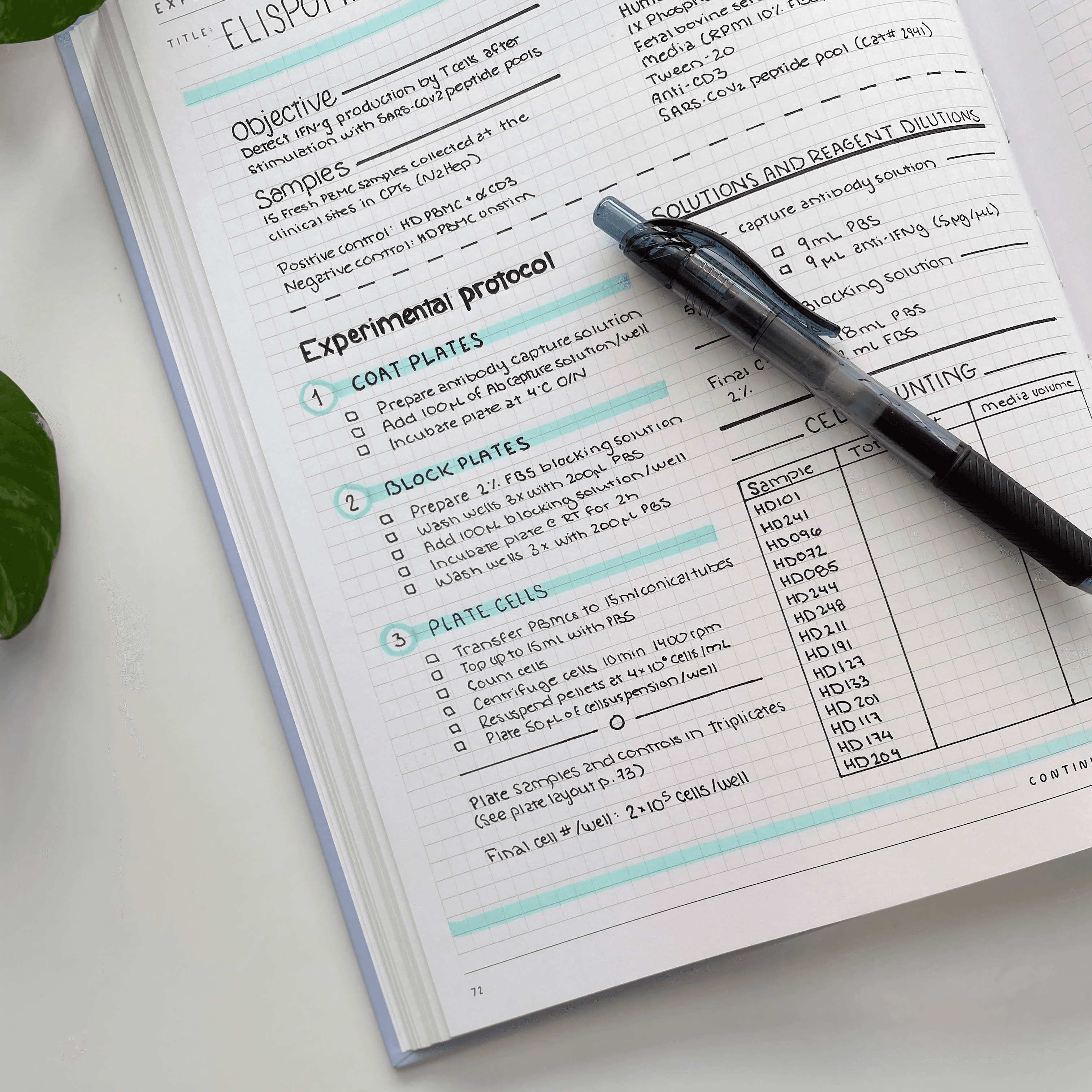
How to keep a lab notebook that reviewers trust
By
Princeton Journal of Pre-Collegiate Research
Read more

How to organize research files across a year-long project
By
Princeton Journal of Pre-Collegiate Research
Read more

How to document your data so you can defend it
By
Princeton Journal of Pre-Collegiate Research
Read more
How to write a grant proposal as a student
By
Princeton Journal of Pre-Collegiate Research
Read more
Free resources that replace research funding
By
Princeton Journal of Pre-Collegiate Research
Read more
Corporate and nonprofit programs that fund student research
By
Princeton Journal of Pre-Collegiate Research
Read more

Science fair grants and material stipends explained
By
Princeton Journal of Pre-Collegiate Research
Read more

Crowdfunding a student research project: does it work
By
Princeton Journal of Pre-Collegiate Research
Read more

How much does a research project actually cost
By
Princeton Journal of Pre-Collegiate Research
Read more

How to ask your school to fund your project
By
Princeton Journal of Pre-Collegiate Research
Read more

Grants for high school research projects: what exists
By
Princeton Journal of Pre-Collegiate Research
Read more

How to start a research club at your school
By
Princeton Journal of Pre-Collegiate Research
Read more

How to organize a school research symposium
By
Princeton Journal of Pre-Collegiate Research
Read more

Turning a school club into a research pipeline
By
Princeton Journal of Pre-Collegiate Research
Read more

How to start a student research journal at your school
By
Princeton Journal of Pre-Collegiate Research
Read more

How to find a faculty sponsor for a research club
By
Princeton Journal of Pre-Collegiate Research
Read more

How to propose an independent study for research credit
By
Princeton Journal of Pre-Collegiate Research
Read more

Running a peer-review workshop at your school
By
Princeton Journal of Pre-Collegiate Research
Read more